How to Monitor Solar Panel Performance at Home
Once your rooftop solar system is commissioned, regular performance monitoring ensures you catch issues early, maintain optimal savings, and verify that your panels generate as expected over their lifetime. With modern inverters and apps, home solar monitoring is now simple and accessible.
1. Why Monitor Your Home Solar System?
Monitoring helps you track daily, monthly, and yearly energy production so you can compare your actual output against the installer's estimates and seasonal expectations. It also alerts you to drops caused by shading, dust, inverter faults, or component failures, meaning you can take corrective action before small issues become costly repairs. Over time, performance logs support warranty claims, help plan cleaning schedules, and confirm that your payback and savings projections remain on track.
2. Use Your Inverter Display and Built‑In Apps
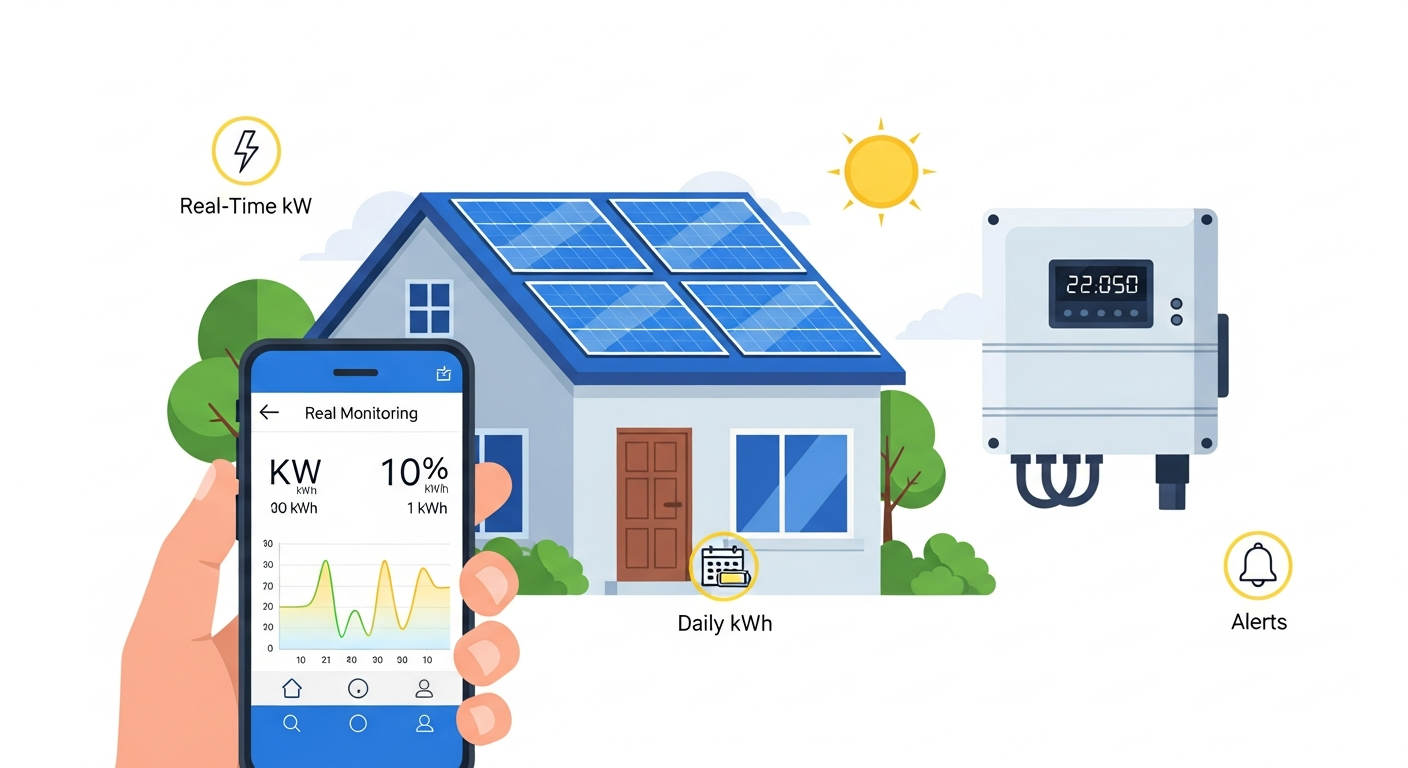
Most modern grid‑connected inverters display real‑time power output, daily generation totals, and error codes on an LCD panel or LED indicator. Inverter manufacturers such as SolarEdge, Enphase, Sungrow, Fronius, and Tata Power also provide free mobile apps that sync with your inverter via Wi‑Fi or cellular connections, giving you detailed performance data on your smartphone or tablet. Indian platforms like Intello, iSolarCloud, Enlighten, and Polycab PV Solar Monitoring are popular choices that deliver real‑time energy production, consumption metrics, alerts for faults, and historical trend analysis.
3. Key Metrics to Track for Home Performance
When reviewing your monitoring app or inverter display, pay attention to a few core metrics. Instantaneous power (kW) shows current generation, while daily and monthly energy totals (kWh) reveal trends over time. Compare your output against local sunshine hours and seasonal patterns to see if drops are weather‑related or due to system issues. Many apps also display system efficiency ratios and temperature readings, helping you understand whether heat or shading is affecting performance.
4. Set Up Alerts and Check Regularly
Enable push notifications or email alerts in your monitoring app so you are informed immediately if your inverter goes offline, generation stops unexpectedly, or error codes appear. Even with alerts turned on, it is wise to check your app at least once a week to review generation trends, especially after weather events or seasonal changes. Keeping a simple log of monthly generation and any anomalies makes it easier to discuss performance with your installer or during warranty claims.
5. Combine Monitoring with Basic Visual Checks
Technology alone is not enough; occasionally inspect your panels from a safe vantage point for visible dust, bird droppings, debris, or shading from new construction or growing trees. If you notice a drop in app‑reported output that does not match weather conditions, schedule cleaning or call your installer for a site inspection, as some issues—like loose cables or junction box corrosion—are not always flagged by software.
FAQs
Q1. How do I monitor my rooftop solar system at home?
Use your inverter's built‑in display and the companion mobile app provided by your inverter manufacturer to track real‑time generation, alerts, and historical data.
Q2. What are the best solar monitoring apps in India?
Popular Indian apps include Intello, iSolarCloud by Sungrow, mySolarEdge, Enphase Enlighten, Tata Power Solar Plus, and Polycab PV Solar Monitoring.
Q3. Which solar performance metrics should I track regularly?
Monitor instantaneous power (kW), daily and monthly energy output (kWh), system efficiency ratio, and temperature, and compare them against seasonal sunshine patterns.
Q4. How often should I check my solar monitoring app?
Enable alerts for faults and check your app at least once a week to review trends, ensuring any drops are weather‑related and not system issues.
Q5. Can monitoring help me catch problems before they become expensive?
Yes, early detection of inverter errors, sudden output drops, or offline alerts allows you to arrange repairs or cleaning before minor faults escalate into major damage.

